

Watch and LIKE our video to vote for AIVA Connect 3.0 for the TechOvation Award. Voting closes September 19 — don’t wait!

Extend: A dedicated business line on your mobile, no app required

Let your employees use their mobile phones for work while keeping their personal numbers private and giving your IT department a single business phone system to manage.

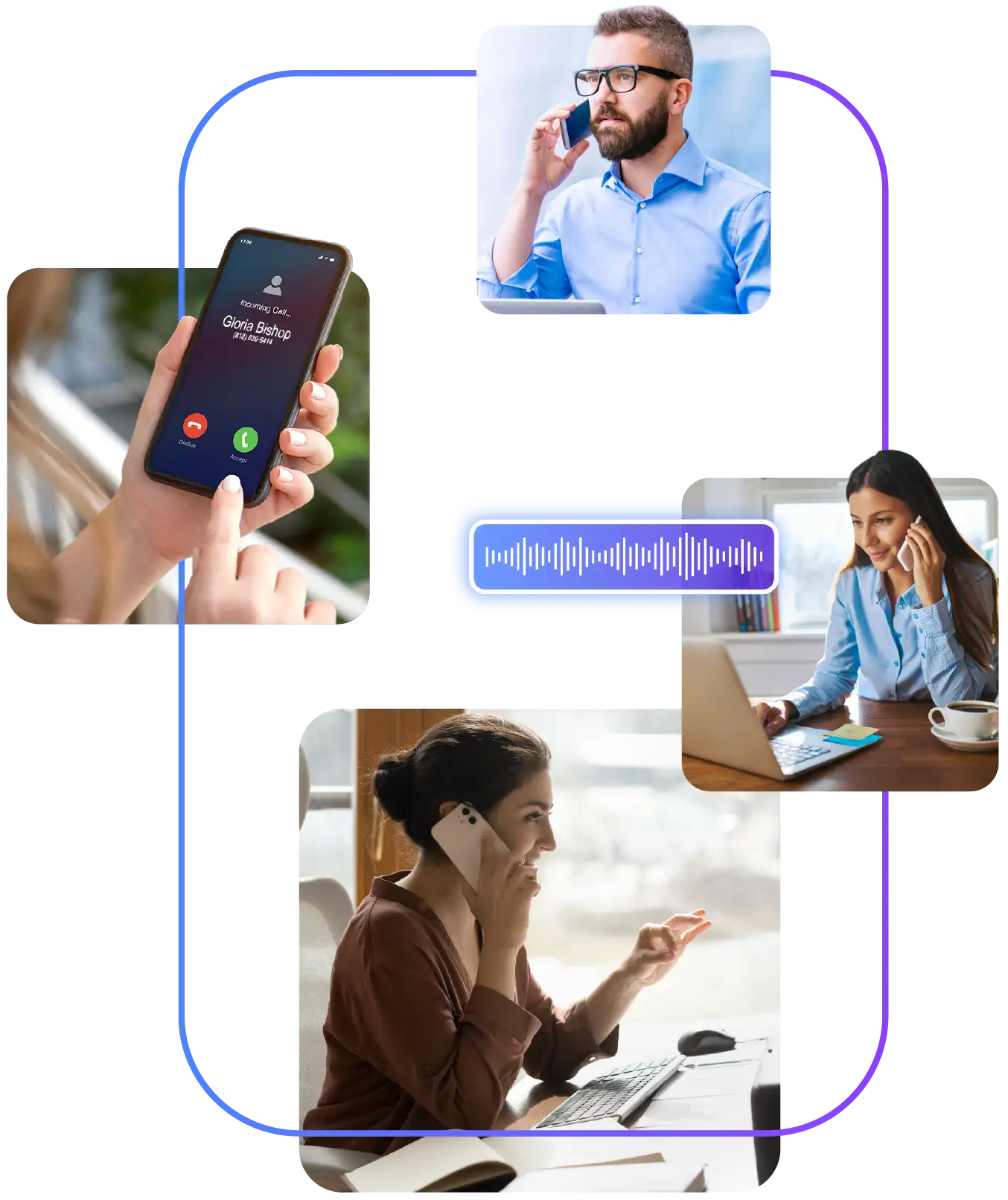
A collage of images featuring people using extend on their mobile phones

Extend integrates Cloud PBX with employees’ mobile phones via eSIM — delivering compliance, call recording, policy control, and a single business identity from the native dialer.

90% of workers would allow an employer to install a business eSIM on their personal phone and 96% of IT leaders in the US and Europe are willing to use eSIM technology to replace fixed-line desk phones. We are at a tipping point.”

Cavell Group Enterprise Survey, commissioned by Tango Networks · 800 enterprise IT leaders, US & Europe

Extend delivers rapid ROI and results you can measure.

AI Virtual Assistant call volume management

40%

potential savings on mobile & desk phone spend
Faster contact center resolutions

<5 min

eSIM provisioning per user via QR code
WebRTC contact center communications

96%

of IT leaders willing to replace desk phones with eSIM

Anywhere access to hotel cloud PBX

0

new hardware or devices required to deploy

Trusted by...

Traditional mobile is a separate silo. Extend closes the gap.

Extend brings mobile workers into BluIP Cloud PBX as first-class endpoints — with the same compliance, visibility, and call quality as any desk phone. No softphone app. No second device.

A woman in a healthcare office using a mobile phone. A woman on the other end of the call talking on their mobile phone.

The End-User Experience — What Employees Actually See

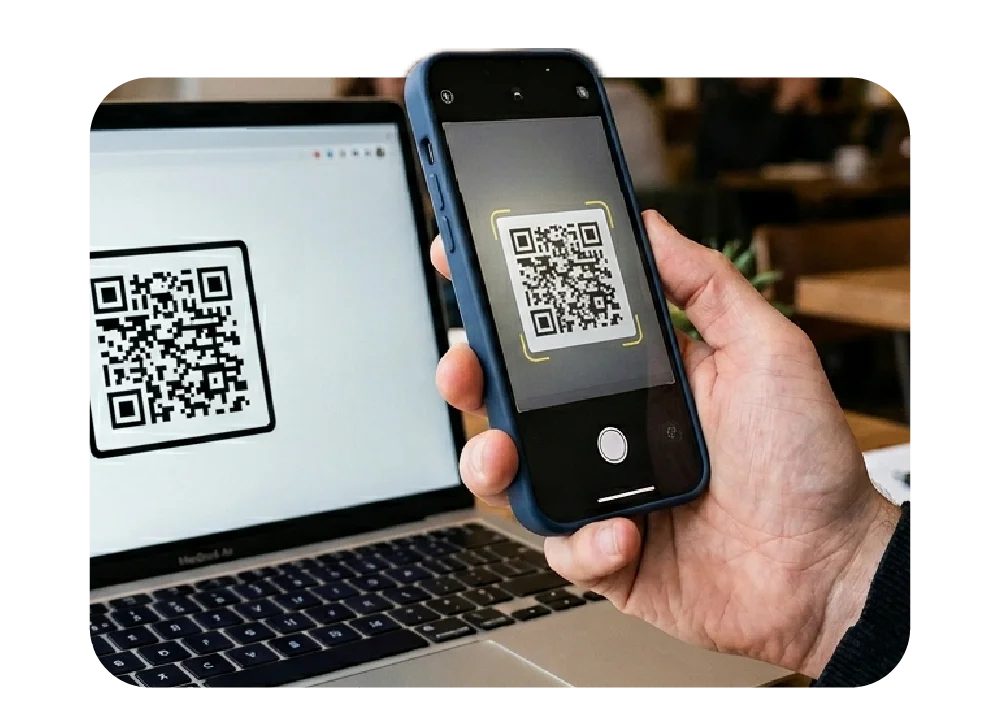
A mobile phone scanning a QR code on a laptop screen

One Scan. Done.

IT sends a QR code. Employee scans it, a business line is added to their phone in under five minutes. No app to download, no training, no new device to carry.

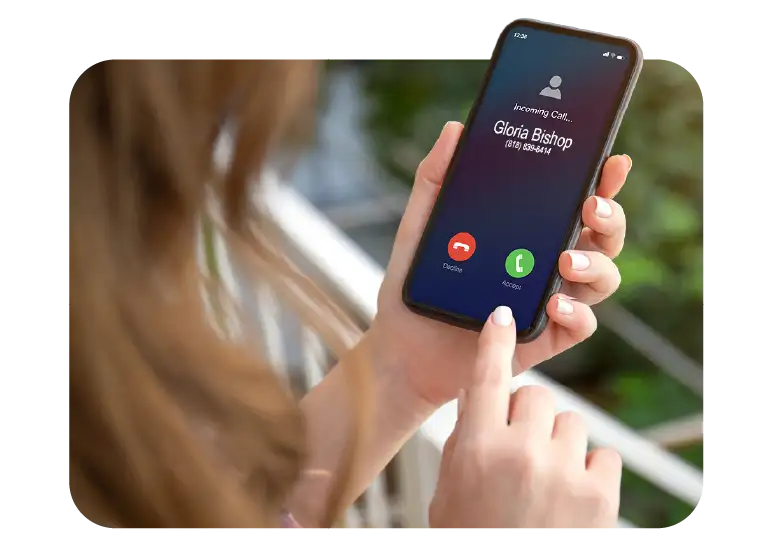
A mobile phone receiving a call from a customer on the phone's native dialer

Calls Come in Like Any Other Call.

Incoming business calls ring through the phone’s native dialer — the same green button employees already use. The display shows the caller’s name and business context, just like a desk phone would.

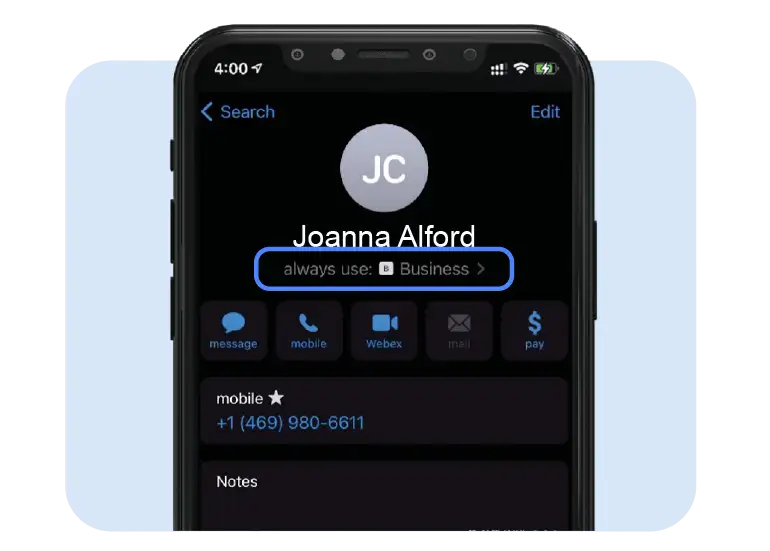
An iPhone interface showing a contact with Business phone line selected.

Outbound Calls Go Out as the Business Number.

When an employee dials out, the call is placed from their business extension — not their personal number. Contacts and customers always see the right caller ID, automatically.

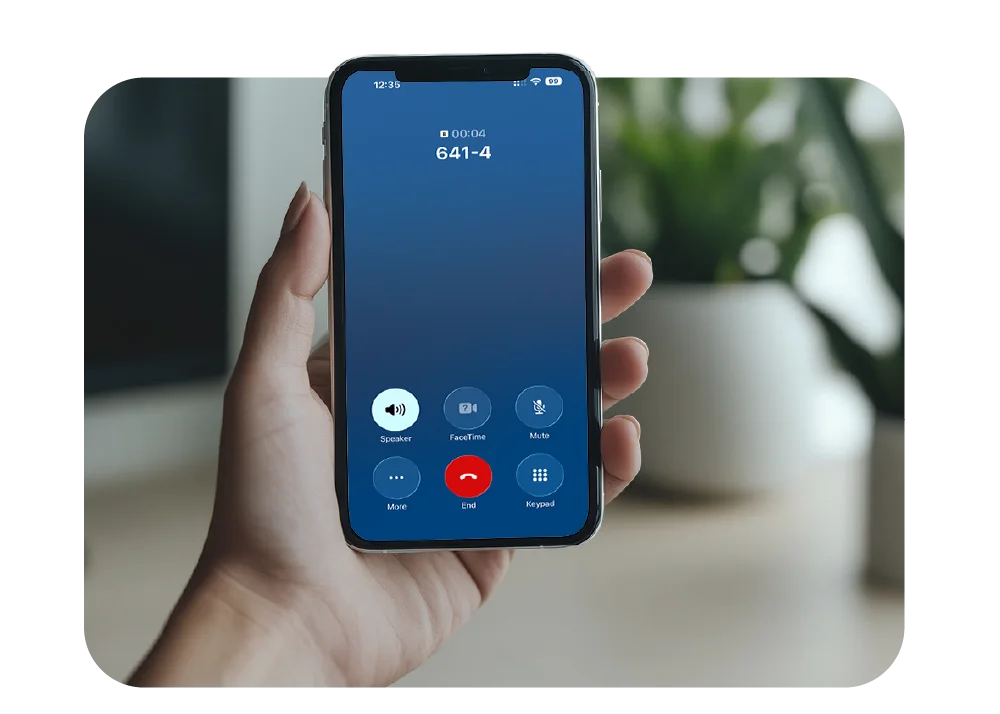
An iPhone showing an active call showing extension dialing

Full UC Features, Right in the Dialer.

Hold, transfer, voicemail, and short-code dialing — all available from the native phone app. Personal calls stay completely separate on the same device, with no overlap.

What Extend can do:

Dial

Native dialer — no app, no login

Business calls through the phone’s own green button. No softphone, no training, no friction.

AI-powered customer conversations

Automated compliance recording

MiFID II, FINRA, FCA, and HIPAA capture on every mobile call — no manual steps.

team enablement

Single business identity

One extension rings desk, laptop, and mobile simultaneously. Outbound always shows the business number

Instant answers from AI Virtual Assistant

Unified analytics dashboard

Desk and mobile call data in one view. Full visibility for IT and management across the whole workforce.

WebRTC contact center communications

BYOD privacy separation

Business eSIM creates a fully separate identity. Personal calls, texts, and data stay completely private.

AI Virtual Assistant upsell opportunities

AI transcription & summaries

If enabled on your UC platform, mobile calls through Extend feed the same AI pipeline automatically.

Built for the industries that never stop moving

Whether your workers are crossing hospital floors, covering a hotel property, or spread across a hundred field sites — Extend gives every one of them a full UC identity on the device they already carry.

Healthcare 01

Healthcare

Clinical and administrative staff are mobile by nature — moving between floors, facilities, and patient rooms all day. Extend gives every clinician a HIPAA-aligned business line on their existing device, with full call recording, policy enforcement, and a single extension that follows them everywhere on property.

Hospitality 01

Hospitality

Hotel and resort staff are always moving — front desk, F&B, housekeeping, maintenance, and management rarely sit still. Extend delivers a fully integrated business line to personal or hotel-issued phones via eSIM, keeping every team member reachable through the existing UC platform, wherever they are on property.
About BluIP company 01

Distributed Enterprise

For organizations where the workforce is truly mobile-first — field teams, logistics crews, regional offices, and remote workers — Extend replaces the desk phone entirely. Every worker gets a full UC identity on the device they already carry, with IT visibility and policy control from a single portal.

Also Serves:

Finance & Legal

Mandatory call & SMS recording for MiFID II, FCA, and FINRA compliance on every mobile.

Manufacturing & Logistics

Connect deskless floor and warehouse workers to the main UC system without extra devices.

Architecture at a Glance

Carrier-grade cellular voice quality · No VoIP app · Policies enforced end-to-end · Works on existing BYOD & company devices

Employee Mobile

Employee Mobile

eSIM — BYOD or company

Extend

Extend

Policy · Routing · Identity

UC Platform

Cloud PBX

UC Users

Recording & Compliance

Recording &
Compliance

Audit · AI Transcription

UCaaS Admin Portal

UCaaS Admin Portal

Analytics · Provisioning
The future of mobile enterprise UC starts here.

Extend is more than a BYOD workaround. It is the first true mobile-UC integration — bringing every worker, everywhere, into your platform as a first-class endpoint. No new hardware. No new software. No compromise on compliance or privacy.

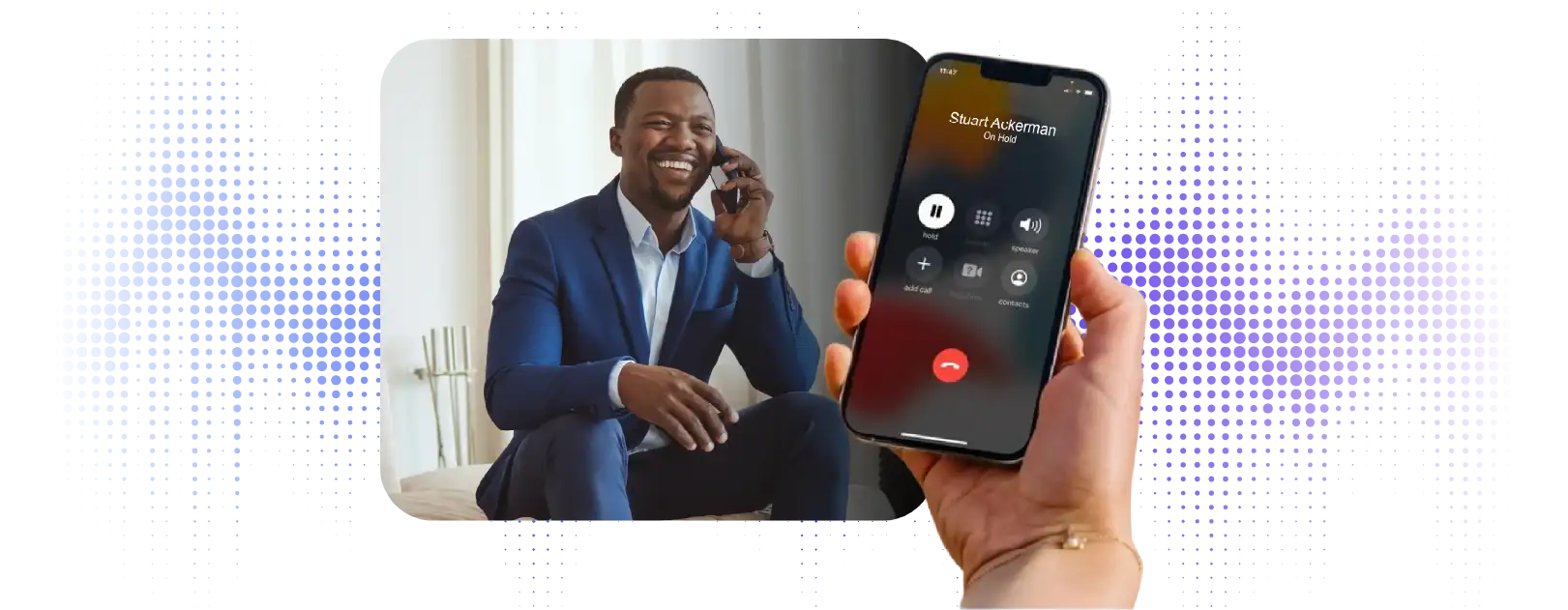
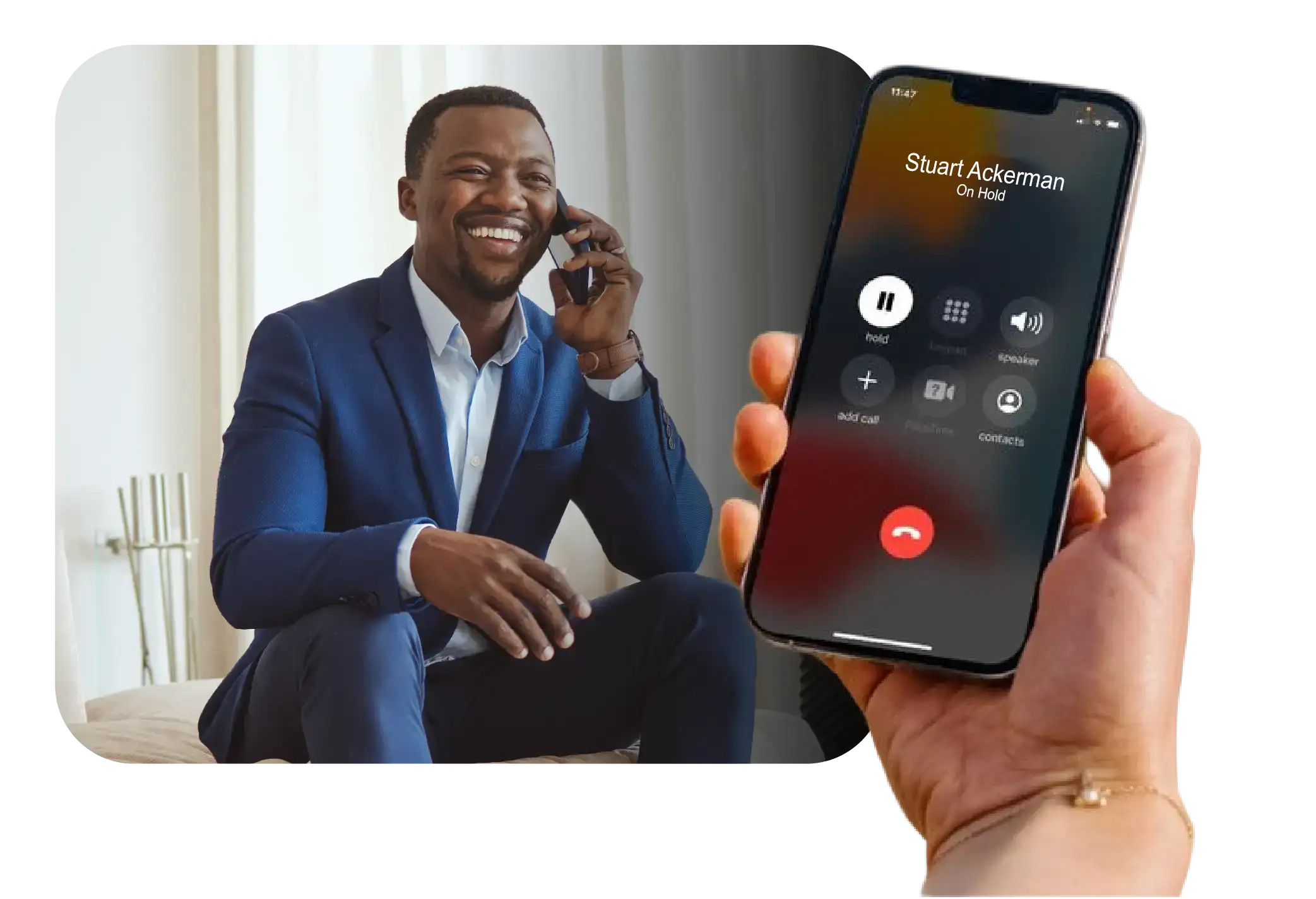
man on the phone, hand holding mobile phone with call on hold

Frequently Asked Questions

My company already uses mobile apps for business calling. How is Extend different?

Extend is a native mobile solution — meaning it uses your phone’s built-in dialer and interface rather than a separate app. You never have to open anything to make or receive a business call.

UC mobile apps, by contrast, rely on you remembering to open them and are typically used by only 5-10% of employees in practice. Most people default to the native dialer, which means personal numbers get shared with contacts and business calls go unrecorded.

UC apps also route calls over Wi-Fi or mobile data, so call quality depends entirely on your current network. Unlike apps that rely on Wi-Fi or mobile data, Extend uses your phone’s cellular voice network. Your business calls have the same quality and reliability as standard phone calls.

The compliance gap: Where company policy or regulation requires calls to be recorded, mobile apps can easily be bypassed — employees simply use the native dialer instead. With Extend, every call routes through your company’s phone system automatically, so recording and policy enforcement cannot be circumvented.

Yes — that’s exactly how it works. Your mobile is registered as an extension on your company’s phone system, the same way a desk phone is. It can be twinned with your desk phone so both ring together on an incoming call, or it can operate as a standalone extension.

Short-code dialing to colleagues is supported, and most feature codes — hold, transfer, call park — work from the native dialer just as they would from a desk phone.

What this means day-to-day: Colleagues can reach you by dialing your four-digit extension whether you’re at your desk or anywhere on the go. You appear in the directory, you can transfer calls, and you access voicemail — all from the native dialer.

Your mobile is assigned your existing business number. When you call out, contacts and customers see that number — not your personal mobile number. Incoming calls to that number ring your mobile just as they would a desk phone.

You have one number, on one business card. Your personal number is never exposed when using your business line.

Because every Extend call routes through your company’s phone system, any recording or call monitoring tools your company already uses for desk phones apply equally to mobile callsautomatically, with no action required from the employee.

There is no separate mobile recording system to manage — if your company records desk phone calls, it records Extend calls the same way.

Important to note: Call recording is an optional service that applies only if your organization has it enabled. If your company uses recording for regulatory compliance or quality purposes, it will capture your Extend calls. If not, no recording takes place. Check with your IT administrator if you have questions about your company’s recording policy.

Extend adds a second SIM identity to your device — either as an eSIM or a physical SIM alongside your personal SIM. The two lines operate completely independently on the same hardware.

Your employer has visibility only into your business line activity. They have no access to your personal calls, texts, or data — and nothing on your personal carrier bill will reflect any business activity.

Dual persona in practice: When you dial out, your phone gives you the choice of which line to use — personal or business. Incoming business calls display your business identity. The two are cleanly separated at the network level, not just by an app.

Extend supports most modern unlocked smartphones. Both eSIM-capable devices and physical SIM devices are supported — so it works across a wide range of Apple, Android, and other handsets without requiring a specific model.

Certain handsets with specific firmware restrictions may not be compatible. Your IT administrator can confirm compatibility for your device before provisioning.

For BYOD deployments: Extend works on your personal device without requiring you to hand it over or install any management software. The business eSIM is a separate line — it does not give your employer access to your device or personal data.

Yes. Sending and receiving SMS is supported on your business line in your home country, and messages sent from your business line will show your business number — not your personal number.

MMS (picture and media messages) is also supported in North America.

As with calls, SMS activity on your business line is separate from your personal messaging and is billed through your company’s Extend account, not your personal carrier.

No. Extend is a dedicated cellular plan installed on your device that has its own separate voice, SMS, and data connectivity.

Your personal plan’s minutes, texts, and data are completely untouched whenever you use your business line. The two plans operate independently at the network level.

Think of it this way: It’s like having a second SIM card built into your phone — one for personal use, one for business. They operate independently, and your personal carrier never sees your business activity.

No. Extend has its own separate billing. You will not see any business-related charges on your personal carrier statement — ever.

All business call and text activity is billed directly through your company’s Extend account, completely separate from your personal plan.

Your privacy is protected: Your employer has access only to your business line activity. They have no visibility into your personal calls, texts, or data usage — and nothing on your personal bill will reveal any business activity.

Yes. The experience of making and receiving calls is identical to your personal plan — you use the same native dialer, the same contacts app, and the same green button.

In addition to standard calling and texting, your business line gives you the same features as a desk phone extension — call hold, transfer, voicemail, and short-code dialing to colleagues. If your organization has enabled call recording, it will apply to your business line automatically.

Both plans add a business line to your mobile and require an existing phone system seat. The difference is the data plan that comes with each:

  Extend Background Extend Unlimited
Data Plan Background data — only consumed when the business line eSIM is active and the user is doing something that uses data, such as navigation or browsing. Your personal plan handles all other data use. A full unlimited data plan — intended for devices used primarily or exclusively for work, with no personal plan required.
Best Suited For Users adding their business line to a personal device they already use with a personal data plan.Users adding their business line to a device used primarily or exclusively for work.

Not sure which plan applies to you? Contact your IT administrator — they can confirm which plan your company has deployed and what it covers for your role.

Every Employee.
One Business Line.

No App Required.

A business phone line on the mobile device your staff already carries.

Live in Under 5 Minutes.
No Hardware, No IT Headaches.

man on the phone, hand holding mobile phone with call on hold